If you’re locked out of your Android phone due to Factory Reset Protection (FRP), the MediaTek Universal Tool can help. This free Windows-based utility is designed to bypass FRP, unlock bootloaders, and fix common software issues on MediaTek-powered devices.
In this guide, you’ll learn what the tool does, its features, how to use it, and where to download it safely.
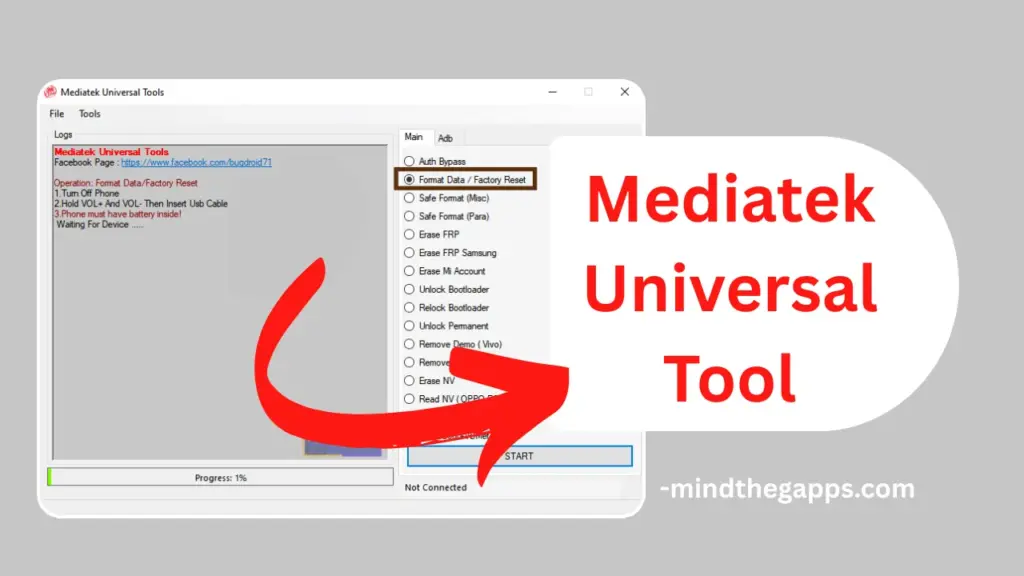
Table of Contents
What Is FRP Bypass?
FRP (Factory Reset Protection) is a security feature added by Google to prevent unauthorized access after a factory reset. If you forget your Google account credentials, FRP can lock your device. The MediaTek Universal Tool helps you bypass this lock and regain access to your phone.
What Is MediaTek Universal Tool?
MediaTek Universal Tool is a free utility for Windows that supports a wide range of MediaTek Android devices. It allows users to perform advanced operations like FRP bypass, data formatting, bootloader unlocking, and more. It’s especially useful for technicians and users who need to fix locked or bricked phones.
Key Features
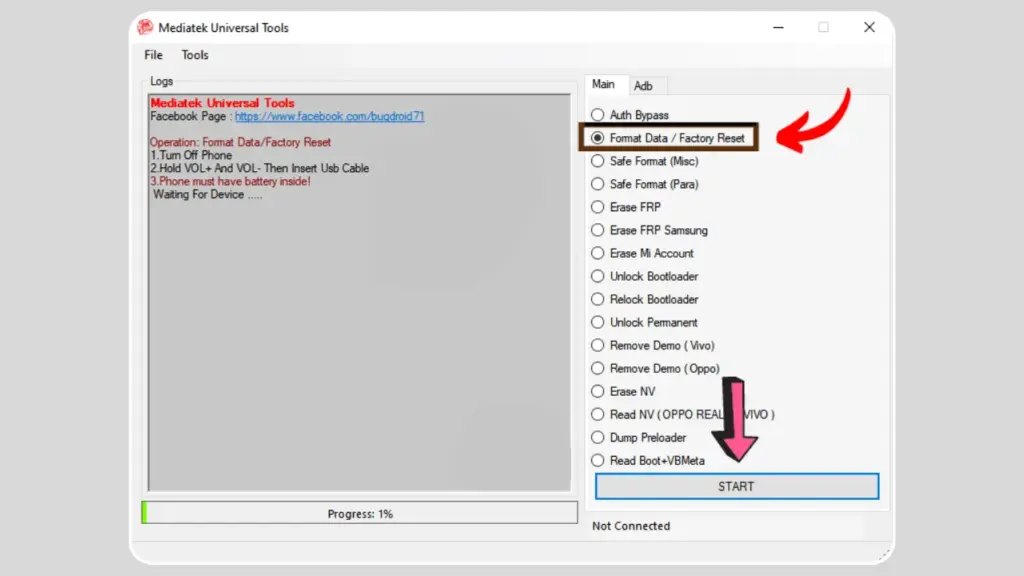
- FRP Bypass for MediaTek and Samsung devices
- Format Data / Factory Reset
- Unlock / Relock Bootloader
- Erase Mi Account and Demo Mode (Vivo/Oppo)
- Safe Format Options (Misc & Para)
- Dump Preloader and Read Boot+VBMeta
- Erase and Read NV Data
Requirements
Before using the tool, make sure you have:
- MTK USB Driver installed
- QcomMtk USB Driver installed
- A Windows PC
- USB cable and battery-powered phone
How to Use MediaTek Universal Tool
Follow these steps to bypass FRP or perform other operations:
- Download the tool from the link below.
- Extract the
.rarfile using WinRAR or 7-Zip. - Install MTK and QcomMtk USB drivers.
- Open the tool and select your desired operation (e.g., Erase FRP).
- Turn off your phone and connect it using VOL+ and VOL- buttons held down.
- Click START and wait for the process to complete.
Download MediaTek Universal Tool
Click here to download MediaTek Universal Tool
Disclaimer
This guide is for educational purposes only. Use the MediaTek Universal Tool only on devices you own or have permission to unlock. We do not support illegal or unauthorized use.
FAQs
Yes, it’s completely free to use.
No, it only supports MediaTek chipsets.
Make sure drivers are installed and the phone is properly connected.
Yes, if used correctly and on authorized devices.
Recommendations
- Always back up your data before using any unlock tool.
- Use the latest version of USB drivers.
- Avoid using the tool on stolen or unauthorized devices.
Conclusion
The MediaTek Universal Tool is a powerful solution for bypassing FRP and fixing locked MediaTek Android devices. With its easy interface and wide compatibility, it’s a must-have for technicians and advanced users. Found this guide helpful? Leave a comment below and share your experience!